Light Painting
Free in-browser magic-mirror scene for kids — you explore it by moving in front of the camera. No install, no account.
▶ Play now — it's freeBest on a laptop or tablet with a webcam · nothing is recorded
What is Light Painting?
Pure creative scene. You see a dimmed version of yourself; wherever you move, a thick rainbow line is painted onto the canvas. The colour cycles as you draw, so a sustained wave traces a rainbow ribbon, and a second pass laid over a finished one brightens it towards white — like the long exposure real light painting is. A bright trail follows your hands so you can see where you are, while the picture underneath keeps everything you have drawn. Press S, or the 💾 button, to save the picture as a PNG on your own device: the painting on a dark background and nothing else, because the camera is never part of the saved image. SPACE clears the canvas for a fresh one; VIVID mode lets the bright trail linger almost twice as long.
How to make a light painting
- Press Play now and allow the camera when the browser asks. Nothing installs and nothing is recorded.
- Get the distance right: close enough that a hand fills a decent part of the picture, far enough back that a whole arm sweep still fits. Roughly an arm's length from the screen. On a phone, prop it against something first — if the camera itself moves, the whole picture counts as movement and the line goes everywhere.
- Move one hand and keep the rest of you still. This is the one that decides whether you get a drawing or a scribble. The scene tracks a single average of everything moving in the picture, so two people waving at once average into one line between them that follows neither.
- Watch the screen, not your hand. The picture is mirrored, so it follows you the way a mirror does.
- Press S, or the 💾 button, to save what you have made. SPACE clears the canvas — there is no undo, so save first.
If you see nothing at all, not even a dim picture of the room, the camera never started. The camera help page tests it in one click — and plenty of laptops have a sliding shutter over the lens.
🔒 Private by design: the camera feed is processed inside your browser and never leaves your device. No video is recorded, saved, or uploaded — ever.
What decides whether it comes out well
Four things, and none of them is obvious from looking at it.
- Colour comes from when and where. The hue works its way right round the rainbow on its own in about eleven seconds, and it also shifts as you move across the screen — a full sweep from one side to the other moves it about two thirds of the way round by itself. So a slow wandering line is a rainbow ribbon, and if you want one colour, work quickly in one place.
- Brightening needs two separate passes, not one long one. A stroke is laid down as a single exposure, so going back and forth without stopping just redraws the same line at the same brightness. Finish the stroke first — hold still for a few seconds, or move your hand right away — then come back and draw over it. That second pass lays its light on top of the first and pushes the overlap towards white.
- There is no pen to lift, so you have to fake it. Two things end a stroke: starting again more than about a quarter of the picture's width from where you stopped, or holding still for a few seconds. Anything smaller and the line simply joins up across the gap — which is why written words come out as one continuous scrawl unless you jump your hand well away between letters.
- Slow hands draw smooth curves. Move fast and the tracking trails behind your hand, so the line lands late and comes out angular; move fast enough and the stroke breaks in the middle. Good for spikes and starbursts, bad for circles.
The glowing trail that follows your hand is only there to show you where you are. It is not part of the picture, so a spot that looks bright while you wave over it comes out as it was painted — unless you finished the stroke and went back over it.
Vivid holds that trail on screen longer, which also means the scene waits longer before deciding you have finished a stroke. Good for long sweeping ribbons; harder for lettering, where you want strokes to end cleanly.
Six things to try
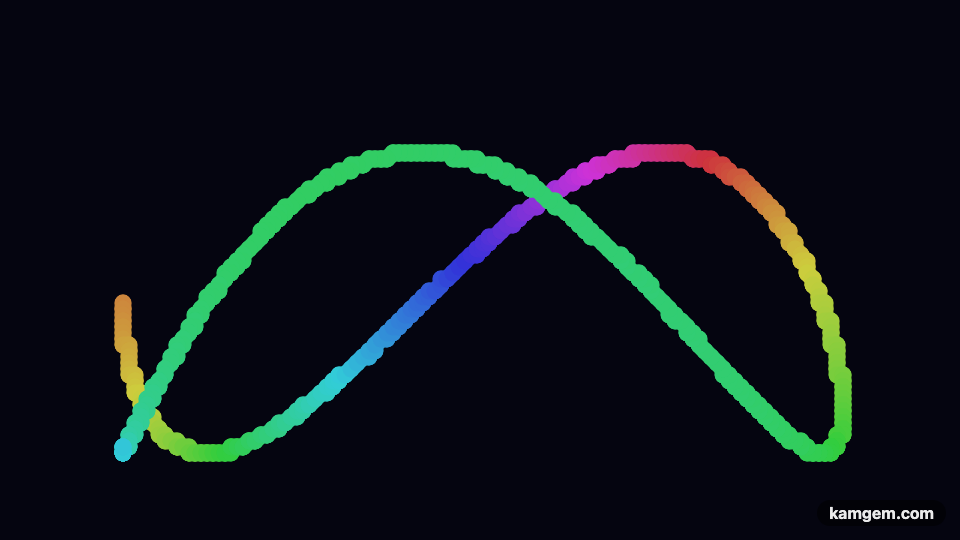
- A rainbow ribbon. One slow continuous sweep, corner to corner and back, without stopping. The colour does the work.
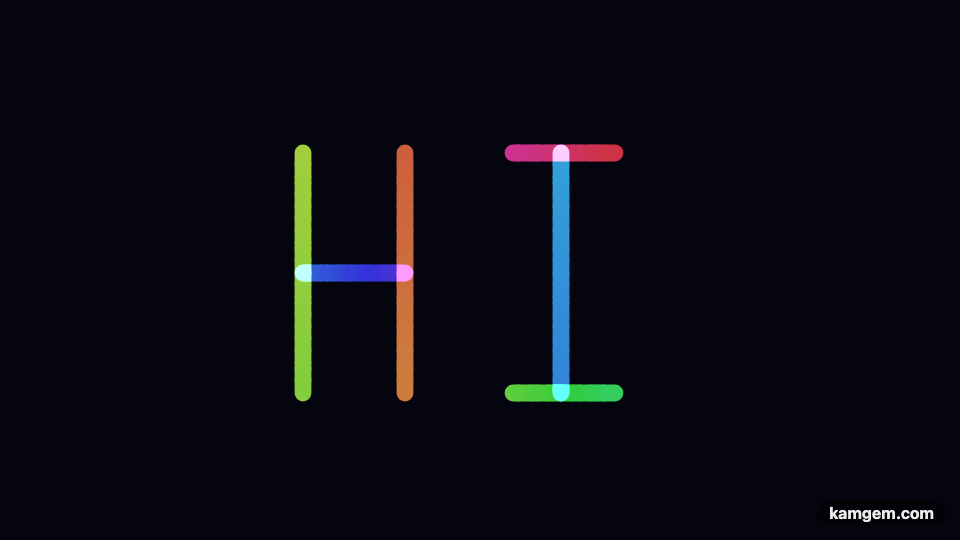
- Write a name. One letter at a time, whipping your hand right out of the picture between letters so they do not join up. Remember it is mirrored.
- Draw around yourself. Stand still and trace your own outline with one hand — head, shoulders, arms — then step out of the way before you save it. The outline stays; you were never in the file.
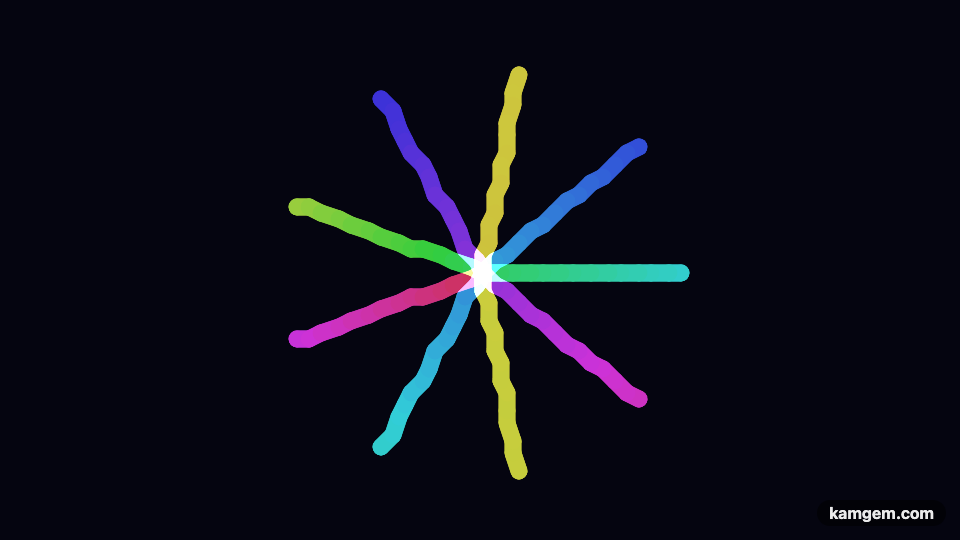
- A star or a firework. Quick straight flicks out from one point, returning to the middle each time. Fast movement is an advantage here: the angular line is the effect.
- Build up a bright core. Draw a shape, stop, then draw the same shape again on top. Each finished pass adds light. Two is usually the sweet spot: by the third the whole line has burned out to plain white, which is worth doing once just to see it happen.
- Two hands, one at a time. Not at once — the scene averages everything moving into one point. Alternate instead, and keep the resting hand still.
All three below came out of the scene itself, saved with the S key. Nothing was touched up afterwards, and there is no camera in any of them.
Saving the picture
Press S or the 💾 button and the painting downloads to your own device as a PNG. What is in that file is the painting on a dark background, and nothing else: the camera view is deliberately excluded. On screen you can see a dimmed picture of the room behind your drawing, because you need to know where your hands are — the saved file is built separately and never touches the video, so a family gets a drawing rather than a faint photograph of their child.
The glowing trail and the on-screen text are not in the file either. What you keep is the painting.
Save before you do anything else. The picture lives in the browser tab and nowhere else — SPACE wipes it immediately, and so does closing the page. Nothing is uploaded and nothing is stored on our side, which also means there is no copy to recover. Going fullscreen with F is safe: the painting is carried across and rescaled rather than started over.
Where light painting comes from
Light painting is a real photographic technique, and an old one: you open a camera's shutter for several seconds in a dark room and move a light source in front of it, so the path of the light is recorded as a line. Picasso was photographed drawing in the air with a small electric lamp in 1949, and anyone who has waved a sparkler in front of a phone on a long exposure has done the same thing.
Doing it properly is fiddly: a dark room, a camera resting on something solid, a shutter held open for seconds at a time, and no way to see what you made until it is over. A webcam version trades the real light for a tracked hand and gives you the one thing the real technique cannot — you watch the picture appear while you draw it, and you can start again straight away. What it keeps is the part that makes light painting worth doing: the line is a record of a movement, so the picture is a drawing of something that happened rather than something that was placed.