Glasses
Free in-browser magic-mirror scene for kids — you explore it by moving in front of the camera. No install, no account.
▶ Play now — it's freeBest on a laptop or tablet with a webcam · nothing is recorded
What is Glasses?
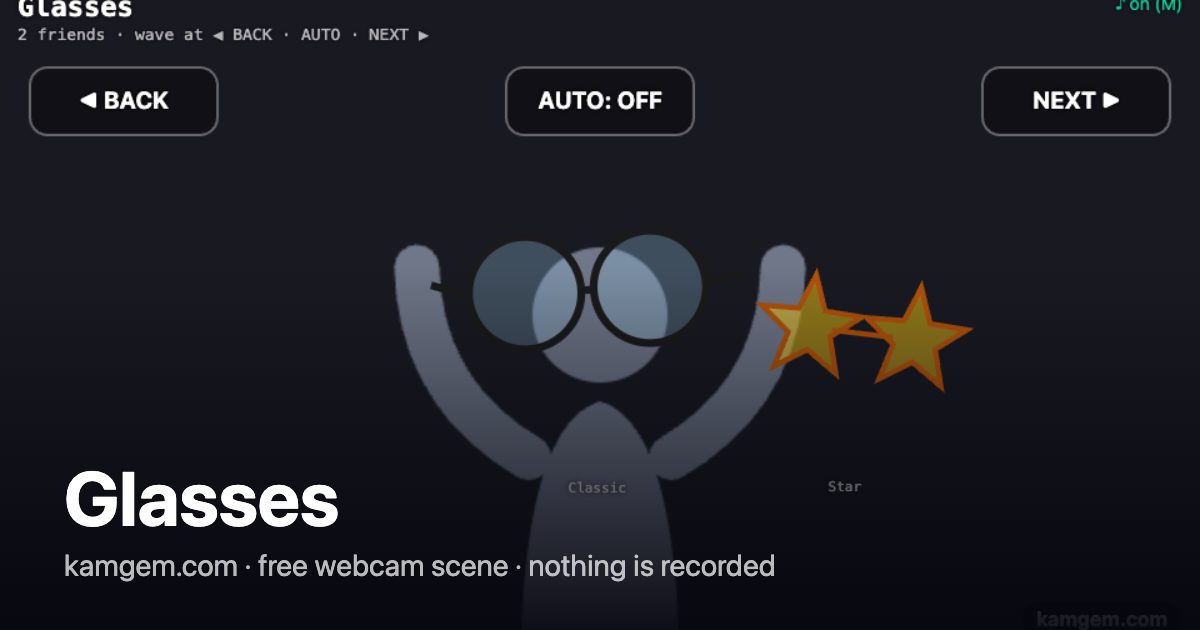
Every face in front of the camera gets a pair of fun glasses — and yes, multiple friends in frame each get their own independent pair. Six styles: classic round, hipster square, pink heart, yellow star, aviator with reflective lenses, and the red-and-blue 3D-movie pair. Each face gets a random style on first detection and keeps it as it moves around. Glasses sit on the real eye line and tilt with the head. Two zones in the top corners, ◀ BACK and NEXT ▶, change everyone's glasses when you wave a hand at them — so the scene is fully controllable on a tablet, or on a laptop set up across the room where nobody is near the keys. They light up as your hand registers, before anything changes. SPACE does the same as NEXT. Between them sits AUTO, which starts and stops the automatic rotation and remembers your answer — so you can settle on a style you like and keep PARTY mode on, which previously meant leaving the mode altogether. (First run pulls a small model from a CDN — needs internet for a few seconds, then cached.)
How to explore it
- Press Play now and allow camera access when the browser asks.
- Step back so the camera can see you — full body, half body, or even just a hand all work.
- Move! Your motion controls everything on screen.
🔒 Private by design: the camera feed is processed inside your browser and never leaves your device. No video is recorded, saved, or uploaded — ever.